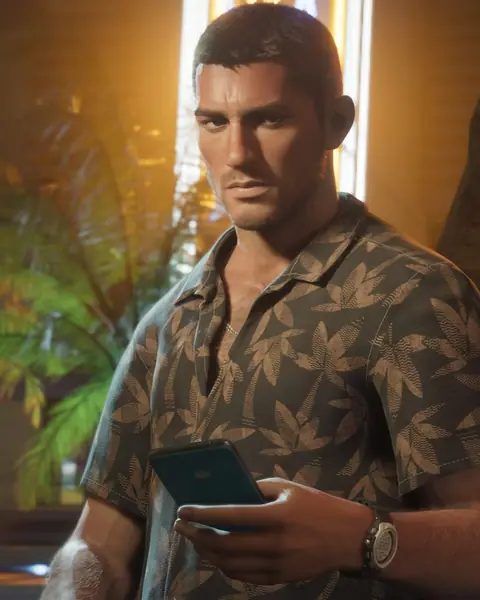


































Deposit Cash Into BuckMe
A quick money task for Jason around Key Lento. It comes up after the Buck Me mission gives the couple their BuckMe app.
What you do
- 1Walk up to an ATM
- 2Deposit the cash you are carrying into your BuckMe checking account
Rewards
- Cash moved from pocket to BuckMe balance
Tips
- You lose the cash you carry when you die, so bank it
- Checking money is wiped at the end of Chapter 1; only Family Savings is safe
- Carry some cash before you go, because only money in your pocket gets moved.
- Use whichever ATM is closest, since any of them works.
What happens
After the Buck Me mission sets Jason and Lucia up with the BuckMe app, Jason is asked to bank his cash. He walks up to an ATM and pays the money from his pocket into the checking account.
Full walkthrough
- 1Open the BuckMe app on your phone
- 2Pick ATM Finder and set the nearest ATM as your destination (one is close to Jason's house)
- 3At the ATM, choose deposit and put in some of your pocket cash
- 4Check the Story list to confirm the task cleared
Where it starts
Appears once the Buck Me mission gives the couple the BuckMe app.
Details
- Play as
- Jason