






































Drive, Drift and Escape
In GTA 6, drift with the handbrake (Cross/A), shoot with R1/RB, and hold Circle/B in cinematic mode to auto drive.
- 3 camera heights
Corner and drift
Brake before the corner
Braking mid-turn sends you wide into traffic.
Take corners out, in, out
Keeps your speed with less steering.
Drift with the handbrake
Turn and tap it to swing round tight corners.
Slow down more in trucks
Big vehicles steer slower than small cars.
Lights, signals, roof, nitrous
Headlights on or off
Tap the button while driving.
Turn signals
Tap left or right. Signals are optional.
Open the vehicle menu
Hold D-pad Left, push right stick up to Vehicle.
Hazards, windows, trunk, engine
Browse with L1/LB / R1/RB, toggle with Cross/A.
Horn and nitrous
Same button. Which cars have nitrous: not documented yet.
Shoot and escape
Shoot from the car
Works with one-handed guns while you keep driving.

- No image yet
Aim for the tires
Slows down the cars chasing you.

- No image yet
Duck behind the wheel
Drops you low in the seat.
- No image yet
Leave the engine running
Jump back in and go without starting it.



Auto drive to a waypoint
Set a waypoint on the map
No waypoint, no auto drive prompt.
Open cinematic mode
Hold D-pad Down, then press .
Roll forward, then hold Circle/B
The prompt appears once the car moves.
Change speed with the triggers
The AI stops at red lights, so it is slow.
Flip, fix and refuel
- No image yet
Push a flipped car over
Stand at its side. Fails on heavy cars or slopes.
- No image yet
Check your fuel gauge
An empty tank leaves you stuck where you are.

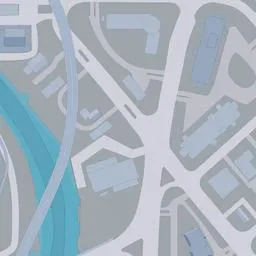
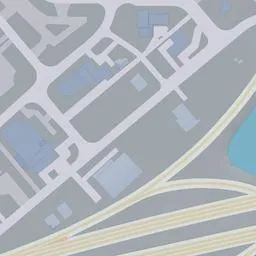
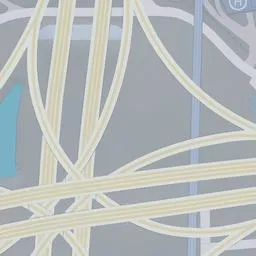
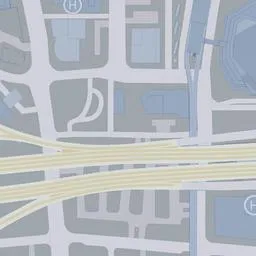


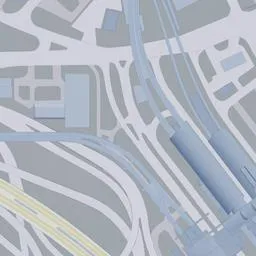

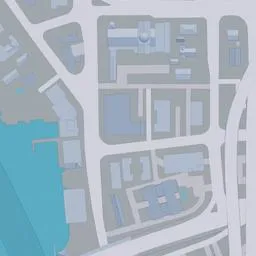
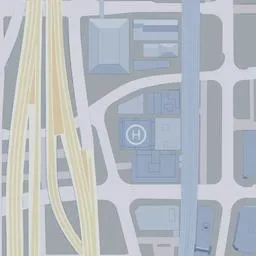
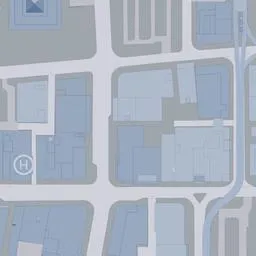

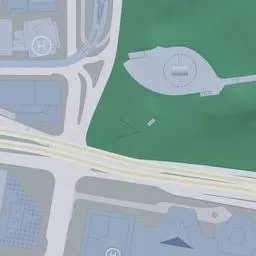





Make driving easier
- No image yet
Raise the camera height
A higher view shows more road ahead.
- No image yet
Turn on Adaptive Speed Limiter
PS5 only: R2/RT stiffens near the speed limit.
- No image yet
Turn on Drive-By Assist
Makes shooting from vehicles easier.


Questions
Is there first-person driving in GTA 6?
No full first-person mode. Pull out your phone with while driving and you see the phone and road in first person; put it away to go back to third person.
How do I find a gas station fast in GTA 6?
Hold D-pad Down for quick navigation. Time slows, nearby places show up, and you can mark one to get GPS directions.
Can I repair or summon my car from the phone?
Yes, the Scooter Bros app spawns, repairs and pulls owned cars out of impound for a fee, and Premium ($12,500) gives three free uses per in-game day. It is blocked while cops chase you. See phone apps.
Why does R1/RB shoot instead of using the handbrake?
In GTA 6 the handbrake is on Cross/A and R1/RB fires your weapon from the car. You can swap to the Classic layout in settings.
What happens if I double-tap exit while moving?
Your character bails out and the car keeps rolling on its own. Only do it when stopped if you want to park with the engine on.
