








































Use the Map
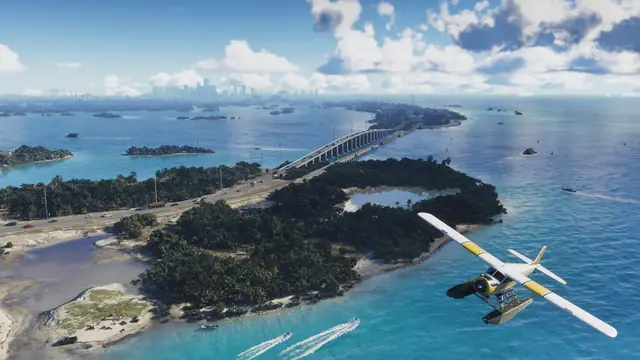
In GTA 6, fly a crop duster through each fogged patch, press D-pad Right on the map for the Index, then pick Story for missions.
- 4-5 h to unfog by plane
Clear the fog fast
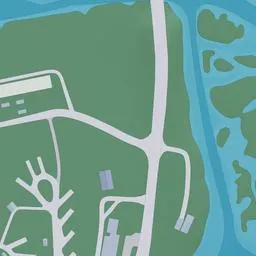
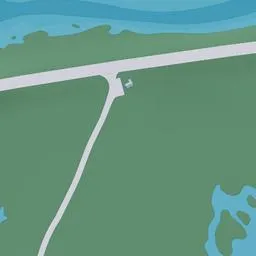
Go to an early airstrip
Key Lento and Mariana County have planes in Chapter 1.
- No image yet

- No image yet
Fly through every dark patch
Fog clears in segments, not in a circle around you.
- No image yet
Check fuel with D-pad Down
The gauge shows above the minimap. Empty means you crash.
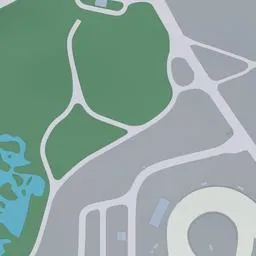
Refuel at Kelly County
Mid-map airstrip. Planes respawn, so take a fresh one.
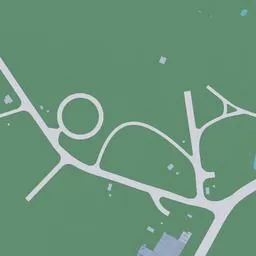
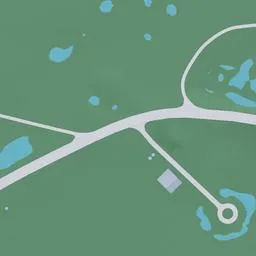

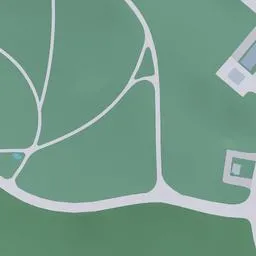
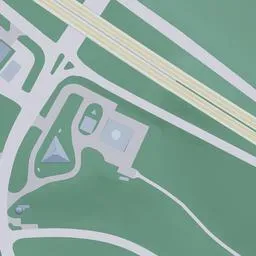

























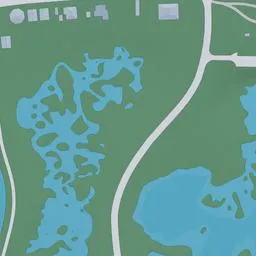
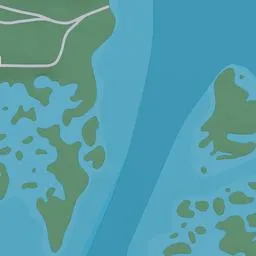
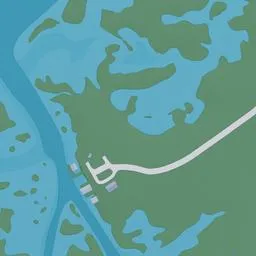
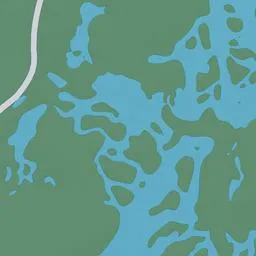

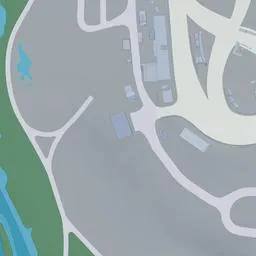



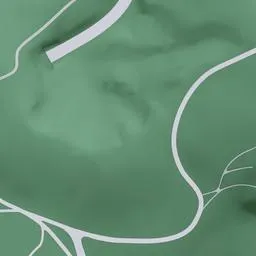
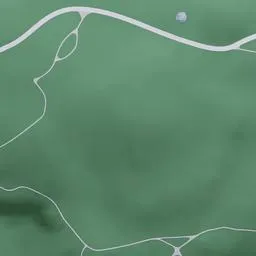
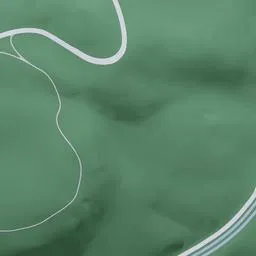
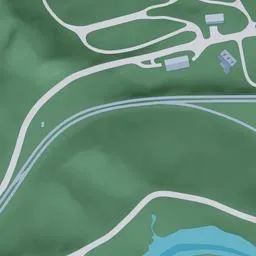
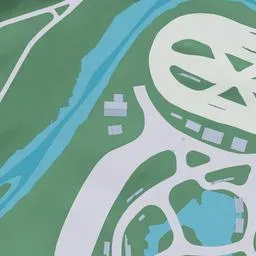
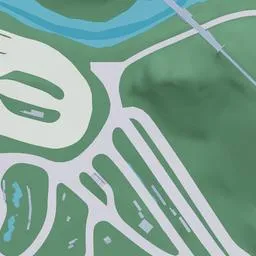
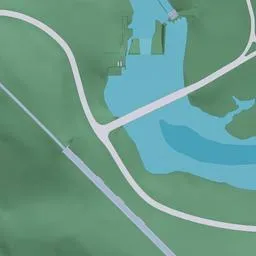
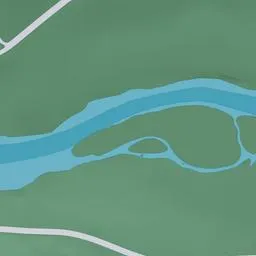

Find your next mission
Press D-pad Right for the Index
It lists the jobs you can start right now.
Map controls
Set Destination
The GPS draws a route to that spot.
Add a marker
Pins a spot you want to remember.
Recenter on yourself
Snaps the map back to your character.
Switch to 2D view
The map opens tilted. This flattens it.
Zoom in for small roads
Side streets only show when you are zoomed in.
Touchpad opens the camera? Change it
Settings, Controller, Touch Pad Button, set it to Map.
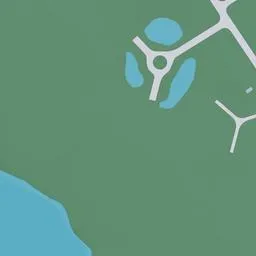
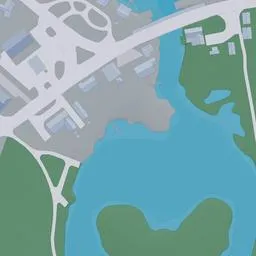
Read the map colours
Dark blue building
It has an entrance or an interior you can use.
Light blue building
Scenery only. You cannot go in.
Dark blue can mean one room
Often just a shop, garage or corridor, not every floor.
White line on the minimap
Marks the door once you get close.
Pink dot or pink area
Active mission. Search a pink area for the objective.
GPS and minimap
- No image yet
Turn on GPS Voice
It is off by default. Find it in Settings, Audio.
- No image yet
Watch the turn box
It sits above the minimap with the next turn and distance.
- No image yet
Hold D-pad Down for nearby places
Quick navigation without opening the full map.
- No image yet
Make map icons bigger
Map and minimap blip size are in Settings, UI.


Questions
Is there a trophy for clearing the GTA 6 map?
Yes. The Goodtime State unlocks when you remove all fog and explore all of Leonida. See The Goodtime State.
Does the story unlock the whole GTA 6 map at once?
No source confirms a chapter where the full map opens. Fog is not a story lock: it lifts as you visit each area.
How long does it take to unfog the GTA 6 map?
About 4 to 5 hours by crop duster, according to one guide. On foot or by car it takes far longer.
Can you filter or hide icons on the GTA 6 map?
An in-game icon filter is not documented yet. The Index sorts open jobs by tab, and our map lets you switch categories on and off.
Can you see the whole GTA 6 map without exploring?
Rockstar posted the full map online. In the game you cannot zoom out far enough to see all of it at once, so our full map is the easier way to look.
