






































Radio and Music
In GTA 6, hold D-pad Left for the radio, use L1/LB/R1/RB (LB/RB) to change station and Cross/A to turn it off.
- 20 music stations
Change the station
Hold D-pad Left
Opens the radio strip in any car, bike, boat or plane.
- No image yet
Cycle with L1/LB and R1/RB
Steps through stations. The right stick works too.
- No image yet
Let go to tune in
The station you stopped on starts playing.
- No image yet
Read the song on screen
Each station shows the current song and artist.
- No image yet
Stop the car first
You keep driving while the menu is open.

Turn it off or down
- No image yet
Press Cross in the menu
Switches the radio off. Press again to switch it on.
- No image yet
Double-tap D-pad Left to kill radio
Radio on or off without opening the menu.
- No image yet
Lower Media, not Music
Media is the slider for radio and TV. Settings, Audio.
- No image yet
Set Vehicle Radio to Off
Cars stay quiet until you switch the radio on.
- No image yet
Turn Dialogue up instead
Voices stay clear over the radio in the car.
- No image yet
Mute Licensed Music when streaming
Avoids copyright claims. Music captions still show.
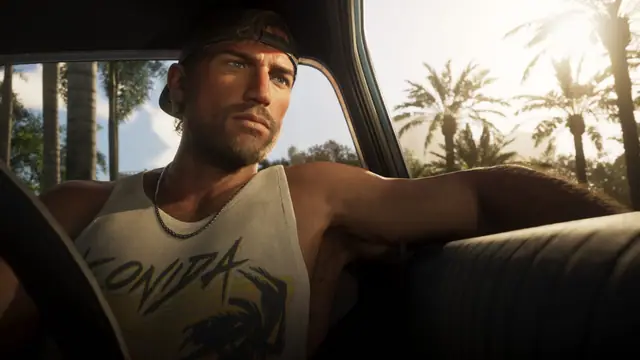
Double-tap Triangle/Y to exit
You hop out with the engine and radio still on.

Listen on foot
Buy earbuds or headphones
No radio on foot without them. Both do the same job.
- No image yet
Find stores in the Index
Style, Electronics lists shops nearest first.
- No image yet
Buy a pair for each
Jason and Lucia each need their own.
- No image yet
Wear them from the item wheel
Hold L1/LB, press R1/RB for Items, pick the headgear slot.
- No image yet
Hold D-pad Left while walking
Same radio strip as in a car.
- No image yet






Play podcasts
- No image yet
Push the right stick down
Switches the strip from Radio to On Demand.
Press Square for episodes
Pick any episode, then Cross/A plays it.
- No image yet
Pause and pick up later
Playback resumes where you stopped, in a car or on foot.

What is on air
2 talk stations: WKTT and The Wipe
Talk only, no music.
5 podcasts On Demand
Spoken shows, no music.
No way to pick a song
Tune in to its station and wait for it.

Questions
Can you play your own music in GTA 6?
No. There is no Self Radio or station for your own files on PS5 or Xbox. You can turn the game radio off and play a music app in the background on your console.
Are GTA 6 radio stations on Spotify?
Yes. Spotify has an official GTA VI section with over 20 playlists, one per station and mixtape. Spotify does not connect to the game, so these playlists only play outside it.
Why won't the radio open on foot?
You need earbuds or headphones on. Buy them at an electronics store, then wear them from the item wheel. Without them, D-pad Left does nothing outside a vehicle.
Can you set favourite radio stations in GTA 6?
Not documented yet. No guide we checked mentions a way to favourite or hide stations on the radio strip.
Is there a difference between earbuds and headphones?
Only the price and the look. Both let you hear the radio and podcasts on foot.
