





































Tricks the Game Hides
GTA 6 hides handy tricks: hold D-pad Down for nearby spots, push flipped cars, hand bags to your partner, and enter dark blue buildings.
- Off GPS voice by default
On foot
- No image yet
Hold D-pad Down for nearby spots
Quick Navigation lists places close by, like fences.
- No image yet
Tap D-pad Down to see your objective
Shows what to do next without opening the map.
- No image yet
Send yourself to a fence
In Quick Navigation, R3/RS sets that fence as your destination.

In the car
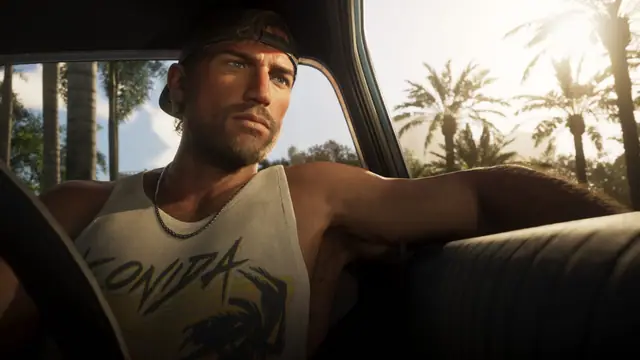
Duck down while driving
Your character sinks low behind the wheel.
- No image yet
Hop out, engine still running
Double-tap keeps the engine and radio on. Thieves may grab it.
- No image yet
- No image yet
Double-tap Circle/B for headlights
Cycles off, high beams and low beams.
- No image yet
Yell at other drivers
The help menu calls this the road rage button.
- No image yet
Swing the door at people
Hits anyone walking right beside your car.
- No image yet
Walk the deck while cruising
On a boat, double-tap Triangle/Y and it keeps moving.

Stuck or wrecked
- No image yet
Push a flipped car over
Click the left stick beside it, then hold Square/X.
- No image yet
Push a car that ran dry
Same push works to roll it down the road.
- No image yet
Shove a boat off the sand
Works on small boats and jet skis stuck on shore.
- No image yet
Skip heavy cars and steep hills
The flip fails if too heavy, uphill, or stamina runs out.
Call Scooter Bros for a fee
Repairs or brings back your car. Blocked during police chases.
Scooter BrosKeep a car
- No image yet
Get an impounded car back
Pay Scooter Bros, or steal it back from the impound.
Scooter Bros

Your partner
- No image yet
- No image yet
Share long guns, not pistols
Rifles and shotguns pass over. Pistols, SMGs and gear stay.
- No image yet
Let your partner fence the trunk
Partner menu offers Fence Goods, but not every time.



Map, home and settings
- No image yet
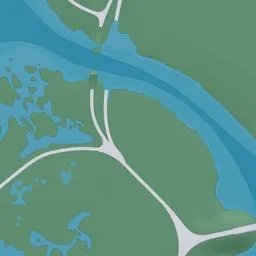
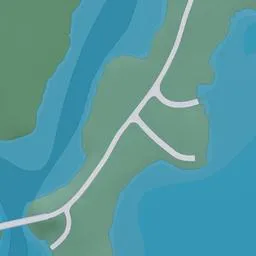
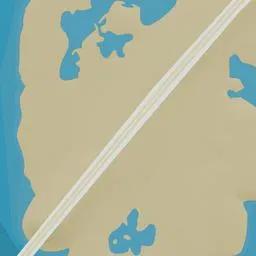
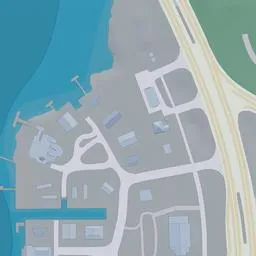
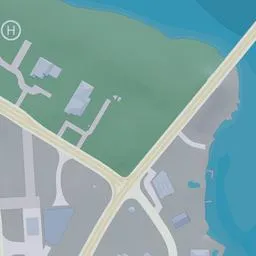
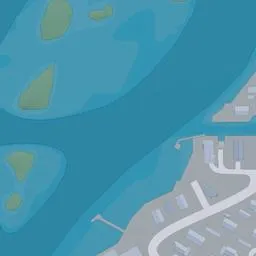
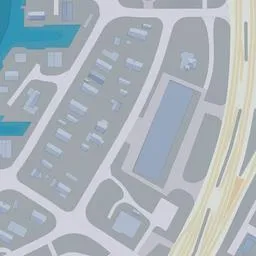
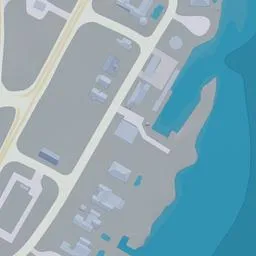
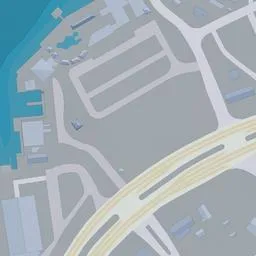
Enter the dark blue buildings
On the map, dark blue means enterable. Pale blue is shut.
- No image yet
Follow the white door line
Up close, the minimap marks the entrance with a white line.
- No image yet
Check back doors for more rooms
Focus shows white for open doors, red for alarmed ones.
- No image yet
Switch GPS Voice on
Spoken directions start off. Find it in Settings, Audio.































Questions
Is there auto drive in GTA 6?
Yes. Set a waypoint and drive. Hold D-pad Down, press for the cinematic camera, then hold Circle/B when Enable Auto Drive shows up. More in our auto drive answer.
How do I use turn signals in GTA 6?
Tap D-pad Left or D-pad Right while driving. Hold D-pad Left instead and the radio menu opens.
Where is the vehicle menu for windows and hazards?
Hold D-pad Left, then push the right stick up. Scroll with L1/LB and R1/RB and confirm with Cross/A. Full list in driving tips.
Can I check a car's security before stealing it?
Yes. Hold to open WAiNK, aim at a parked car and hold R1/RB. You see its locks, alarm, tracker and value. See the WAiNK guide.
Can I listen to the radio on foot?
Yes, with earbuds from Zeke's Gadgets. Their exact price is not documented yet.
